Warehouse System Stack Analyzer
Discover which warehouse management systems your business needs based on your operational profile
Your Warehouse Profile

Get Personalized Recommendations
Fill in your warehouse details to discover the ideal technology stack for your operations.
- ✓ Which systems you actually need
- ✓ Estimated implementation complexity
- ✓ Recommended features to prioritize
- ✓ Rough cost ranges for solutions
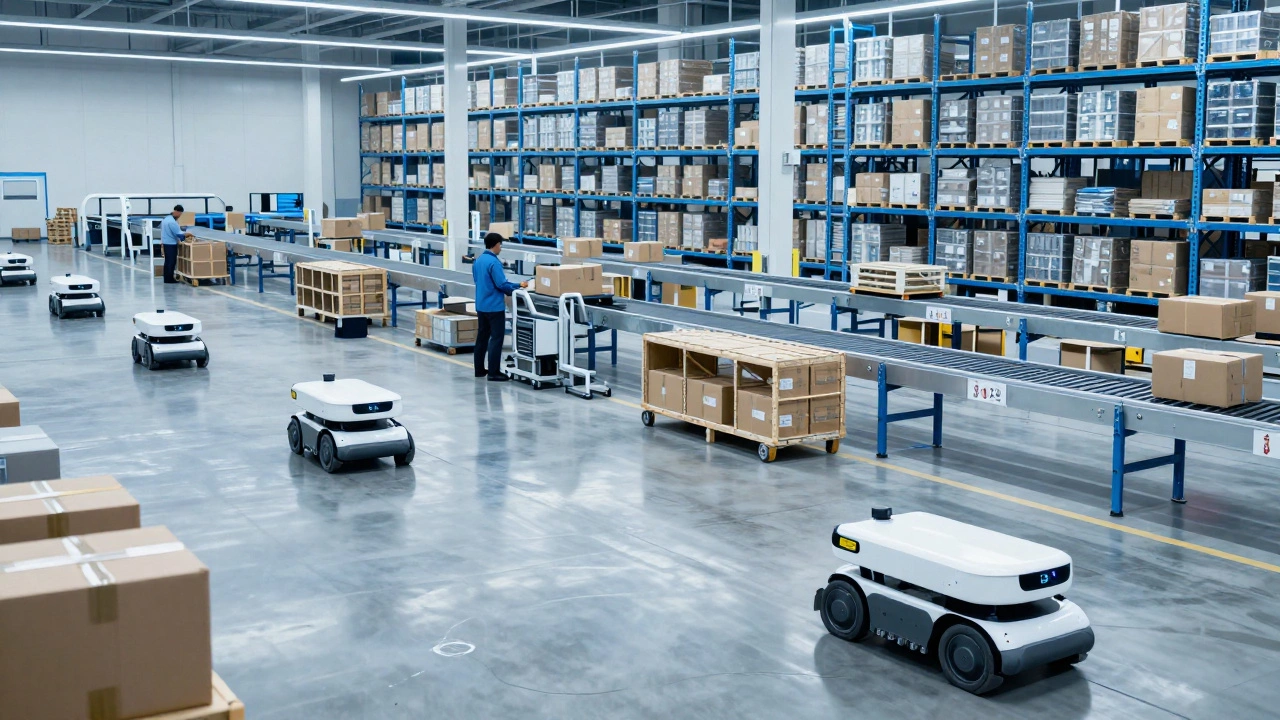
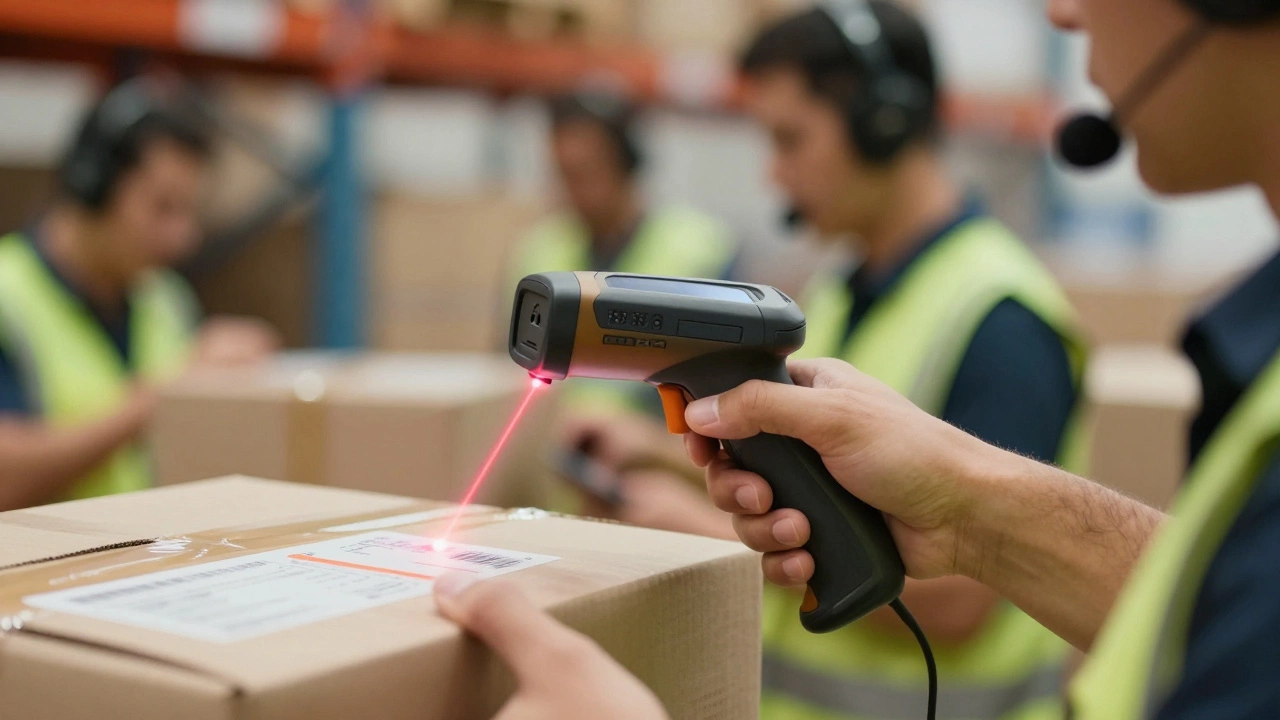
You walk into a modern distribution center. It’s quiet. Robots glide across the floor, picking items with robotic precision. Conveyors hum as they sort packages by destination. A worker scans a barcode, and instantly, the system knows exactly where that item came from, where it’s going, and how much space is left on the shelf. It feels like magic, but it isn’t. It’s the result of a complex stack of software systems working together.
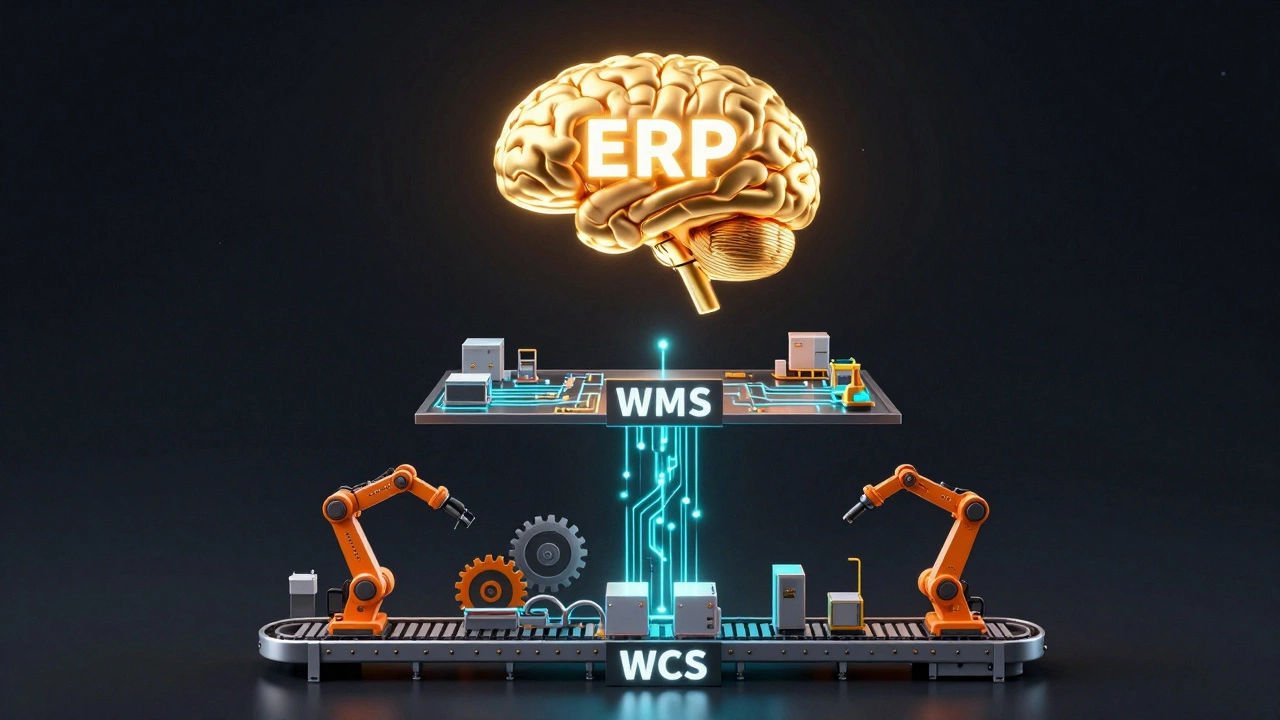
If you are asking which system is used in a warehouse, the short answer is: usually more than one. The backbone is almost always a Warehouse Management System (WMS). But depending on the size and complexity of the operation, that WMS talks to an Enterprise Resource Planning (ERP) system above it and a Warehouse Control System (WCS) below it. Getting this stack right means faster shipping, fewer errors, and happier customers. Getting it wrong leads to lost inventory, delayed orders, and operational chaos.
The Brain: Warehouse Management Systems (WMS)
When people talk about warehouse software, they are almost always talking about a Warehouse Management System (WMS). This is the central nervous system of your facility. Think of it as the air traffic controller for your goods. It doesn't just tell you what you have; it tells you where it is, when it arrived, who ordered it, and the most efficient path for a picker to retrieve it.
A WMS manages the entire lifecycle of inventory from the moment it hits the receiving dock until it leaves the loading dock. Here is what it actually does day-to-day:
- Receiving and Putaway: When a truck arrives, the WMS generates tasks for workers to unload specific pallets. It then calculates the best location for those items based on velocity (how fast they sell), size, and compatibility. High-turnover items get placed near packing stations; slow-movers go to the back or higher shelves.
- Inventory Visibility: It provides real-time counts. No more guessing if you have 50 units or 500. If a cycle count shows a discrepancy, the system flags it immediately.
- Picking Optimization: Instead of sending a worker wandering through aisles randomly, the WMS creates batch picks, zone picks, or wave picks. It directs the worker via a handheld scanner or wearable device to minimize walking distance, which can account for up to 50% of a picker's time.
- Shipping and Fulfillment: It prints labels, assigns carriers, and updates the order status to "shipped" automatically.
In 2026, most WMS solutions are cloud-based. You don't need a server room full of hardware. You log in via a browser, and your data is synced globally. Major players like Manhattan Associates, Blue Yonder, and Oracle NetSuite offer robust suites, while smaller operations might use Shopify Flow or Cin7 for simpler needs.
The Boss: Enterprise Resource Planning (ERP)
So, where does the WMS get its orders? Usually, from an Enterprise Resource Planning (ERP) system. The ERP is the broader business management tool. It handles finance, human resources, customer relationship management (CRM), and procurement. The warehouse is just one part of the business, and the ERP oversees the whole picture.
The relationship between ERP and WMS is hierarchical. The ERP is the brain that makes strategic decisions ("We need to buy more raw materials because sales are up"). The WMS is the hands that execute tactical decisions ("Put these new materials in aisle 4, bin B").
For small businesses with low SKU counts (Stock Keeping Units), a standalone ERP with basic inventory modules might suffice. But as soon as you start doing complex things-like kitting (bundling multiple items into one product), serial number tracking, or multi-location transfers-the ERP's built-in tools often choke. That’s when you add a dedicated WMS layer on top. The ERP sends the order down; the WMS executes it and sends the confirmation back up.
The Muscles: Warehouse Control Systems (WCS)
This is the part most people miss. If the WMS is the brain, the Warehouse Control System (WCS) is the spinal cord connecting the brain to the muscles. The WCS sits between the WMS and the physical automation equipment.
Imagine you have automated storage and retrieval systems (AS/RS), conveyor belts, sorters, and robotic arms. The WMS says, "Get Item X." It doesn't know how to talk to the motor controlling the conveyor belt. The WCS translates that high-level instruction into machine code. It tells Conveyor A to speed up, Robotic Arm B to grab the box, and Sorter C to divert it to Lane 3.
Without a WCS, integrating automation is a nightmare of custom coding. With a WCS, you can swap out a robot model or upgrade a conveyor without rewriting your core warehouse logic. In highly automated facilities, the WCS ensures that machines don't collide, bottlenecks are resolved in milliseconds, and throughput remains consistent even during peak holiday rushes.
The Eyes and Hands: Hardware Integration
Software is useless without hardware to interact with the physical world. The choice of hardware dictates how well your system performs. In modern warehouses, you will see a mix of these technologies:
| Technology | Function | Best For |
|---|---|---|
| Barcode Scanners | Reading UPC/EAN codes for identification | Low-cost verification, general inventory |
| RFID Tags | Radio-frequency identification without line-of-sight | High-volume apparel, bulk pallet tracking |
| Voice Picking Headsets | Hands-free audio instructions for workers | Cold storage, hazardous environments |
| AMRs (Autonomous Mobile Robots) | Mobile robots that bring shelves to pickers | E-commerce fulfillment, high-density storage |
| Digital Twin Sensors | IoT sensors monitoring temperature/humidity | Pharmaceuticals, food and beverage |
The key is integration. Your WMS must communicate seamlessly with these devices. If your scanner takes three seconds to sync with the cloud, your pickers lose momentum. Latency kills productivity.
How to Choose the Right System Stack
Choosing a warehouse system isn't about picking the fanciest software. It’s about matching the technology to your operational reality. Ask yourself these questions:
- What is your order profile? Do you ship mostly full pallets (B2B) or single items (B2C)? B2B operations need strong lot-tracking and palletization features. B2C needs rapid picking and packing efficiency.
- How many SKUs do you manage? Under 1,000 SKUs? An ERP module might work. Over 10,000? You likely need a dedicated WMS.
- Are you automating? If you plan to install conveyors or robots within the next two years, ensure your WMS has open APIs and can integrate with a WCS. Don't lock yourself into a closed ecosystem.
- Where is your data hosted? Cloud-based SaaS (Software as a Service) models are standard now. They offer lower upfront costs and easier scalability compared to on-premise servers, which require heavy IT maintenance.
Don't over-engineer early. Start with a solid WMS that integrates with your existing e-commerce platform (like Shopify, Magento, or Amazon Seller Central). Add layers like WCS only when your manual processes become bottlenecks.
The Future: AI and Predictive Analytics
We are moving past simple execution into predictive intelligence. Modern WMS platforms in 2026 are leveraging Artificial Intelligence (AI) to anticipate demand. Instead of reacting to orders, the system suggests pre-stocking certain items in forward-pick locations based on historical trends, weather patterns, and local events.
Machine learning algorithms analyze picker behavior to optimize slotting strategies dynamically. If a product suddenly goes viral on social media, the system detects the spike and recommends moving it closer to the packing area before the backlog builds up. This shift from reactive to proactive management is what separates leading logistics companies from the rest.
What is the difference between WMS and ERP?
An ERP (Enterprise Resource Planning) system manages the entire business, including finance, HR, and sales. A WMS (Warehouse Management System) focuses specifically on warehouse operations like receiving, putaway, picking, and shipping. The ERP sends orders to the WMS, which executes them and returns status updates. Think of ERP as the strategy and WMS as the tactics.
Do I need a Warehouse Control System (WCS)?
You only need a WCS if you have significant automation equipment like conveyors, sorters, or AS/RS. If your warehouse relies primarily on human labor and basic scanners, a WMS is sufficient. The WCS acts as a translator between the WMS and the physical machinery, ensuring smooth communication and preventing collisions or bottlenecks.
Is cloud-based WMS better than on-premise?
For most businesses today, yes. Cloud-based WMS offers lower upfront costs, automatic updates, remote access, and easier scalability. On-premise solutions require significant IT infrastructure and maintenance. However, some highly regulated industries with strict data sovereignty laws may still prefer on-premise options, though hybrid models are becoming common.
How does a WMS improve inventory accuracy?
A WMS enforces strict processes for every movement of stock. It requires scanning at receipt, putaway, pick, pack, and ship. This creates a digital trail for every unit. Combined with cycle counting (regularly auditing small sections of inventory) rather than annual full shutdowns, WMS can push inventory accuracy rates above 99%, reducing shrinkage and stockouts.
Can a small business afford a WMS?
Yes. Many modern WMS providers offer subscription-based pricing tailored for small to mid-sized businesses. Some even charge per transaction or per user rather than a large flat fee. Starting with a lightweight, cloud-native solution allows small businesses to scale their software costs alongside their revenue growth.