⚙ Warehouse Efficiency Estimator
Process Comparison
| Metric | Manual / Basic | SAP EWM |
|---|---|---|
| Total Picks | 0 | 0 |
| Avg. Travel/Pick | 0 min | 0 min |
| Est. Monthly Savings | -- | $0 |
Imagine your warehouse is running at full capacity, but you can't find a specific SKU because the system says it's on Aisle 4, Shelf B, when it's actually three aisles over. This isn't just an annoyance; it's a direct hit to your shipping speed and customer satisfaction. The root cause is usually a disconnect between what your enterprise software thinks is happening and what's physically occurring on the floor.
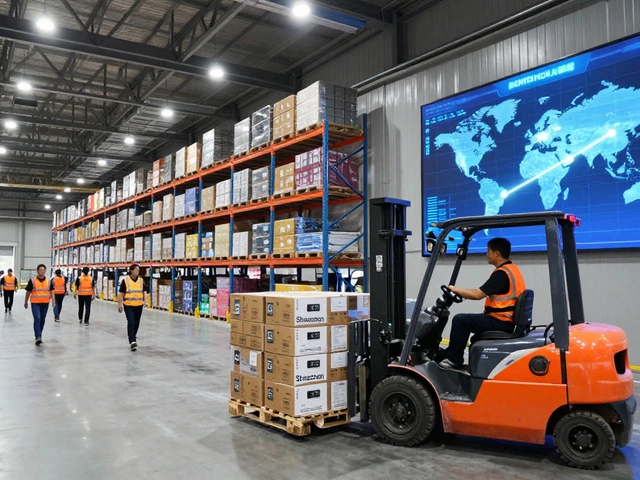
SAP is a comprehensive suite of enterprise resource planning (ERP) software that integrates business processes across finance, human resources, and supply chain management. In the context of warehousing, SAP doesn't just store data; it orchestrates the physical movement of goods through its specialized module, SAP Extended Warehouse Management (EWM), often referred to as SAP WMS. Unlike basic inventory tracking tools, this system acts as the digital brain of the facility, directing every scan, pick, pack, and ship action in real-time.
The Core Mechanics: How Data Flows Through the System
To understand how SAP works in a warehouse, you have to look at the flow of information, not just the boxes. The process begins long before a truck arrives. When a sales order is created in the Sales & Distribution (SD) module, it triggers a delivery document. This delivery document is then passed to the warehouse module. At this point, the system performs a critical calculation known as wave management.
Wave management groups multiple orders into a single "wave" based on criteria like carrier cutoff times, product type, or priority level. Instead of processing one order at a time, which causes workers to crisscross the warehouse inefficiently, SAP creates a consolidated list of tasks. For example, if ten customers all ordered the same widget, the system might assign one picker to grab fifty widgets from the bulk storage area rather than sending five different people to the same location. This batching logic is the first major efficiency gain provided by the platform.
Receiving and Putaway: The First Critical Step
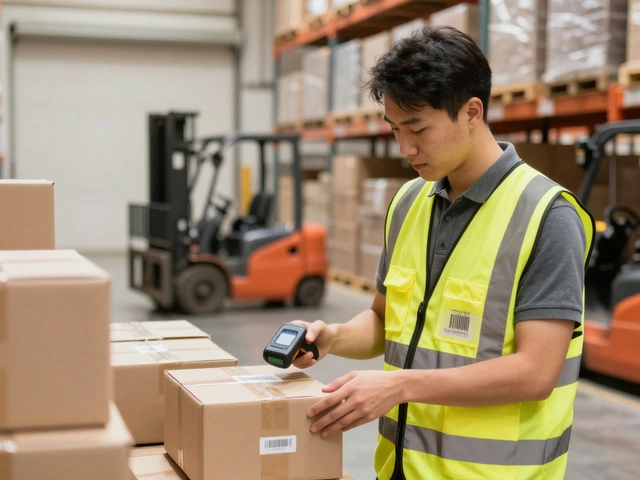
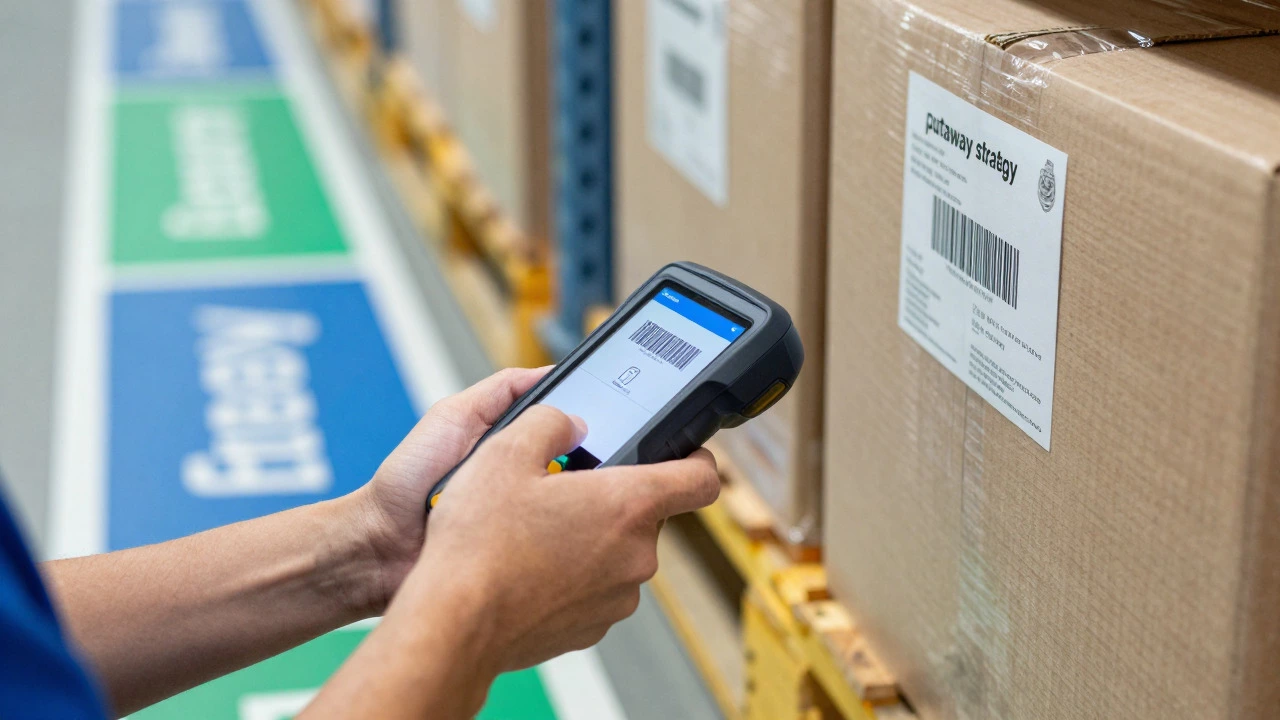
When inbound freight arrives, the dock doors open, and the clock starts ticking. The receiving team scans the purchase order number using handheld terminals or mobile devices. This action confirms the quantity and condition of the goods. But the real intelligence kicks in during the putaway strategy.
In a manual warehouse, a worker might put a box anywhere there is space. In an SAP-managed environment, the system calculates the optimal storage location based on predefined rules. These rules can be complex:
- Fast Movers: Items with high velocity are directed to prime locations near the packing stations to minimize travel time.
- Weight Constraints: Heavy pallets are assigned to lower shelves or ground-level slots to protect racking integrity and worker safety.
- Mixing Rules: The system prevents incompatible items (like chemicals and food products) from being stored adjacent to each other.
- Batch Management: If the product has an expiration date, SAP tracks the batch ID strictly to ensure First-Expiry-First-Out (FEFO) compliance, crucial for pharmaceuticals and food industries.
This automated decision-making eliminates guesswork. The worker receives a prompt on their device telling them exactly where to place the pallet. Once they confirm the placement via scan, the inventory status changes from "in transit" to "available," making it instantly visible to the rest of the organization.
Picking Strategies: Reducing Travel Time
Picking is typically the most labor-intensive task in any distribution center, accounting for up to 50% of total warehouse operating costs. SAP addresses this by offering several advanced picking strategies that go beyond simple list-based picking.
One common method is zone picking. Here, the warehouse is divided into zones (e.g., Zone A for heavy items, Zone B for light items). A picker only moves within their zone. As soon as they finish their portion of an order, the cart or tote moves to the next zone's picker. This keeps travel distances short and allows specialization.
Another powerful technique is cluster picking. A single picker carries a trolley with multiple bins, one for each order in a cluster. They walk down the aisle once, picking items for five different customers simultaneously. This drastically reduces the number of trips per line item picked.
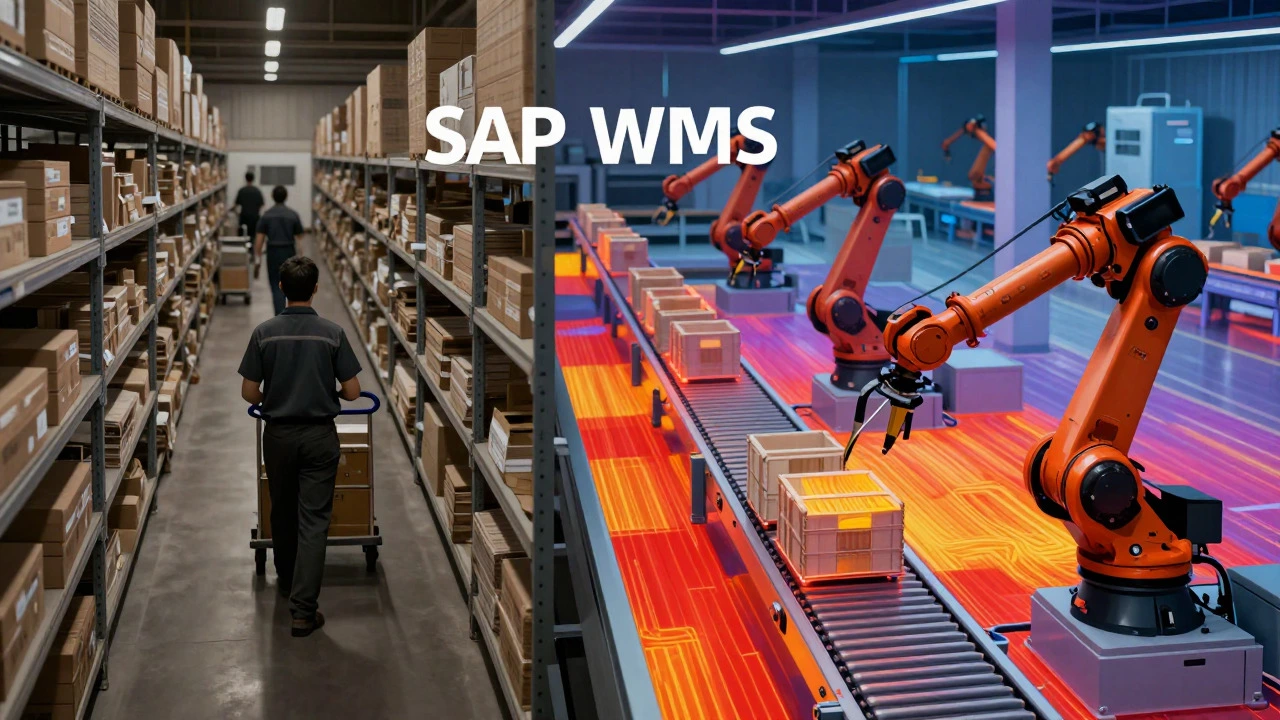
For high-volume facilities, SAP integrates with Automated Storage and Retrieval Systems (AS/RS). In these setups, humans don't walk to the shelf; robots bring the shelf to the human. The WMS communicates directly with the conveyor belts and robotic arms, ensuring that the right bin is delivered to the right station at the right time. This level of integration requires precise synchronization, which is why the reliability of the SAP backend is non-negotiable.
Slotting Optimization: The Dynamic Layout
A static warehouse layout becomes inefficient as consumer demand shifts. What was a slow mover in January might become a best-seller in August. SAP solves this through dynamic slotting.
Slotting is the practice of determining the best storage location for each SKU. SAP analyzes historical sales data, current demand forecasts, and physical attributes (size, weight, fragility) to recommend layout changes. For instance, if a small, lightweight item suddenly sees a 300% spike in demand, the system will flag it for relocation to a faster-pick location. Conversely, if a bulky item slows down, it gets moved to deeper, less accessible storage to free up prime real estate.
This isn't a one-time setup; it's an ongoing optimization loop. Managers can run slotting reports weekly or monthly to adjust the physical layout without disrupting operations significantly. The result is a warehouse that evolves with market trends, keeping average pick times low even as the product mix changes.
Integration with Finance and Procurement
Warehouses don't exist in a vacuum. Every movement of stock impacts financial records. One of the biggest advantages of using SAP for warehousing is the seamless integration with the General Ledger (GL) and Materials Management (MM) modules.
When goods are received, the system automatically posts a journal entry increasing inventory asset value. When goods are shipped, it decreases inventory and recognizes cost of goods sold (COGS) if configured correctly. This means finance teams get real-time visibility into working capital tied up in stock. There’s no end-of-month reconciliation nightmare trying to match physical counts with ledger entries because the transactional data is captured at the moment of physical action.
Furthermore, if stock levels drop below a reorder point, SAP can trigger automatic purchase requisitions to procurement. This closed-loop system ensures that replenishment happens proactively rather than reactively, reducing the risk of stockouts while avoiding excessive safety stock buildup.
| Process Step | Manual/Basic WMS Approach | SAP EWM Approach |
|---|---|---|
| Putaway Location | Worker decides based on available space | System calculates optimal slot based on velocity, weight, and mix rules |
| Order Picking | Sequential picking per order (high travel time) | Wave/Cluster picking (batched tasks, reduced travel) |
| Inventory Accuracy | Periodic cycle counts (errors discovered late) | Real-time transactional updates (errors caught immediately) |
| Financial Sync | End-of-month manual reconciliation | Automatic GL posting upon physical movement |
| Slotting Adjustments | Annual or quarterly review | Continuous algorithmic optimization based on live data |
Common Pitfalls and How to Avoid Them
While SAP is powerful, implementation failures are common if the groundwork isn't laid properly. The most frequent issue is poor master data quality. If the dimensions of a box are entered incorrectly in the system, the slotting algorithm will fail, leading to wasted space or unreachable items. Before going live, audit your material master data rigorously. Ensure weights, volumes, and handling codes are accurate.
Another pitfall is ignoring user experience. If the interface on the handheld scanners is clunky or slow, warehouse staff will resist using it, leading to workarounds that break the data trail. Invest in proper hardware and customize the UI to be intuitive. Speed is key; if a scan takes more than two seconds, productivity drops.
Finally, don't skip the testing phase. Run parallel operations where both the old system and SAP are active for a few weeks. Compare results to identify discrepancies early. This validation period is crucial for building confidence among the operational team.
Future-Proofing Your Warehouse Operations
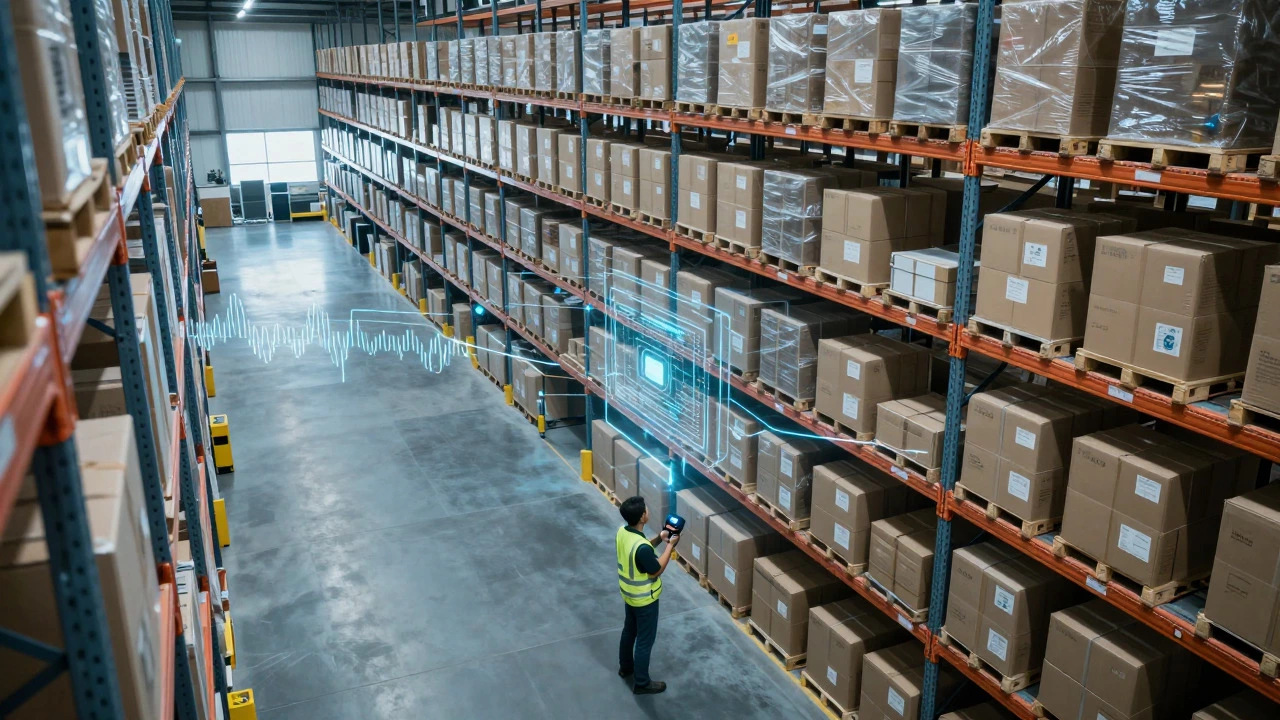
As technology advances, SAP continues to evolve. Recent versions include enhanced analytics capabilities that allow managers to visualize bottlenecks in real-time. Heat maps show which aisles are congested, allowing for immediate workflow adjustments. Additionally, cloud-based deployments of SAP S/4HANA are making it easier for mid-sized companies to access enterprise-grade warehouse management without the massive upfront infrastructure costs previously required.
Whether you're dealing with a small fulfillment center or a massive regional hub, understanding how SAP drives these processes gives you the leverage to optimize costs, improve accuracy, and scale operations efficiently. It turns a chaotic physical environment into a predictable, data-driven machine.
What is the difference between SAP MM and SAP EWM?
SAP Materials Management (MM) handles procurement, inventory valuation, and basic stock movements. SAP Extended Warehouse Management (EWM) is a specialized module for detailed warehouse logistics, including complex putaway strategies, wave management, and yard management. MM is broader and simpler; EWM is deeper and more granular regarding physical execution.
Can SAP integrate with third-party automation equipment?
Yes. SAP EWM has standard interfaces for connecting with conveyors, sorters, AS/RS systems, and robotic picking arms. It uses middleware to translate business logic into machine commands, ensuring that the physical automation aligns perfectly with the digital order flow.
How does SAP handle damaged goods during receiving?
During the goods receipt process, users can post partial quantities as "damaged" or "blocked." This segregates the inventory from available stock. The system then triggers a return-to-vendor process or a scrap procedure, depending on the configuration, ensuring that only good-quality items enter the main inventory pool.
Is SAP suitable for small warehouses?
It depends on complexity. For very small operations with simple needs, a lighter WMS might suffice. However, if the small warehouse is part of a larger ERP ecosystem or has complex compliance needs (like batch tracking), SAP's scalability makes it viable. Cloud editions have lowered the entry barrier for smaller firms.
What role do handheld terminals play in SAP WMS?
Handheld terminals act as the primary interface between the worker and the system. They display task lists, guide users to locations, capture barcode scans, and confirm actions in real-time. Without reliable connectivity and fast response times on these devices, the benefits of the central system are diminished.