Warehouse Software Cost & ROI Calculator
Calculate Your Warehouse Software Investment
Find out how much it costs and how long it takes to recover your investment
Potential Savings
Estimated monthly savings from implementing warehouse software:
Your Investment
Estimated monthly software cost based on your needs:
Running a warehouse today isn’t just about stacking boxes and pushing carts. If you’re still using clipboards, spreadsheets, or guesswork to manage stock, you’re losing money-slowly but surely. Modern warehouses rely on software to keep pace with customer demands, reduce errors, and cut labor costs. But what software is actually used in a warehouse? It’s not one tool. It’s a stack of systems working together, each handling a different job.
Warehouse Management System (WMS)
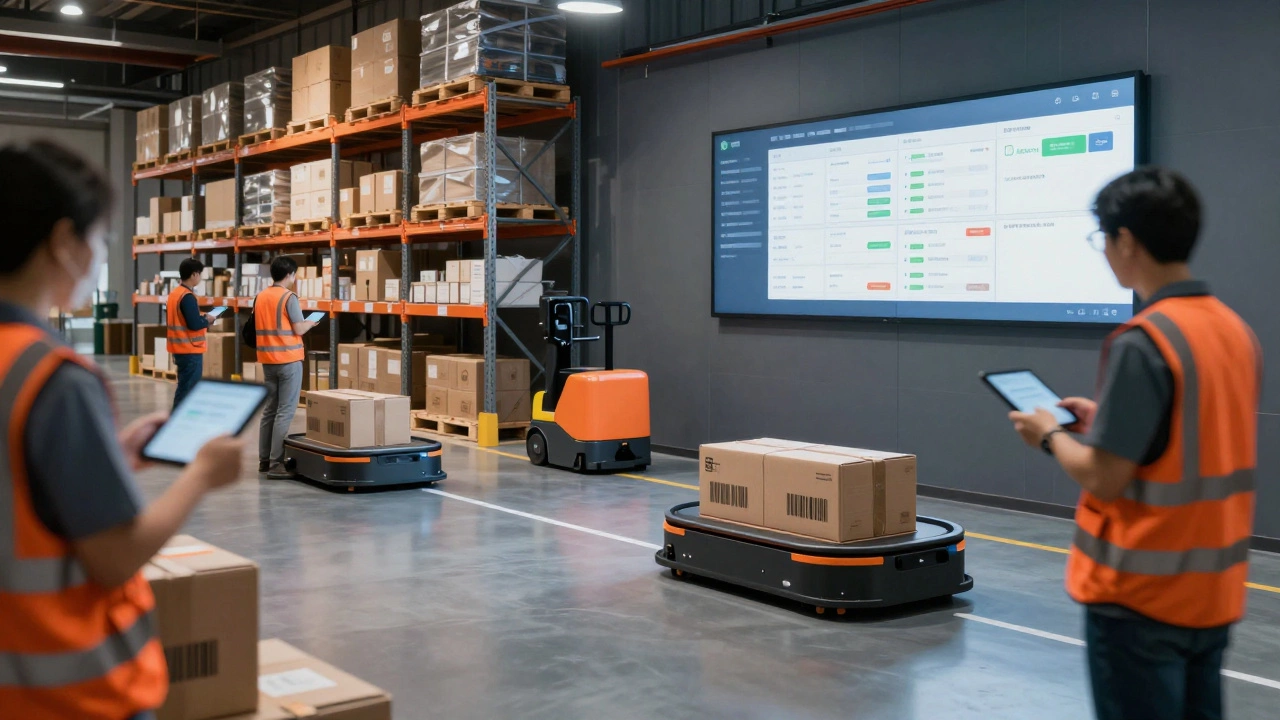
The backbone of any modern warehouse is the Warehouse Management System (WMS). This isn’t just a fancy inventory tracker. A WMS controls everything from when a shipment arrives to which worker picks the next order. It tells you where to store items based on turnover rate, directs forklift drivers to the shortest path, and even adjusts storage zones when demand shifts.
For example, a WMS might notice that a popular product is selling 40% faster than last month. It automatically repositions that item closer to the packing station. Companies like Amazon and Walmart use WMS platforms like Manhattan Associates, Oracle WMS, or SAP EWM to handle millions of SKUs daily. A good WMS reduces picking errors by up to 99% and cuts order fulfillment time by 30-50%.
Inventory Tracking Software
Tracking inventory manually leads to shrinkage, overstock, and stockouts. That’s why nearly every warehouse uses dedicated inventory tracking software. These tools connect with barcode scanners, RFID readers, and sometimes even drones. Each time a box is moved, scanned, or shipped, the system updates in real time.
Think of it like a live map of every item in the building. If a customer orders 12 units of Product X, the system instantly checks: Is it in stock? Where exactly is it? Can we ship it today? Systems like Zoho Inventory, Fishbowl, or NetSuite Inventory track serial numbers, batch codes, and expiration dates. One food distributor in Ohio cut expired stock losses by 68% after switching from Excel to a real-time tracking system.
Transportation Management System (TMS)
Warehouses don’t operate in isolation. Goods come in and go out. That’s where a Transportation Management System (TMS) steps in. It doesn’t just schedule trucks-it finds the cheapest, fastest routes, negotiates carrier rates, and tracks delivery status. A TMS connects with your WMS so that when an order is packed, the system automatically assigns the best carrier based on weight, destination, and delivery window.
For example, if you’re shipping to five different cities in one day, a TMS will group those shipments to avoid multiple trips. It also flags delays before they become customer complaints. Companies like UPS and FedEx use TMS tools internally, but even small warehouses use cloud-based options like ShipBob or Blue Yonder to handle outbound logistics without hiring a logistics team.
Automated Guided Vehicles (AGV) and Robotics Software
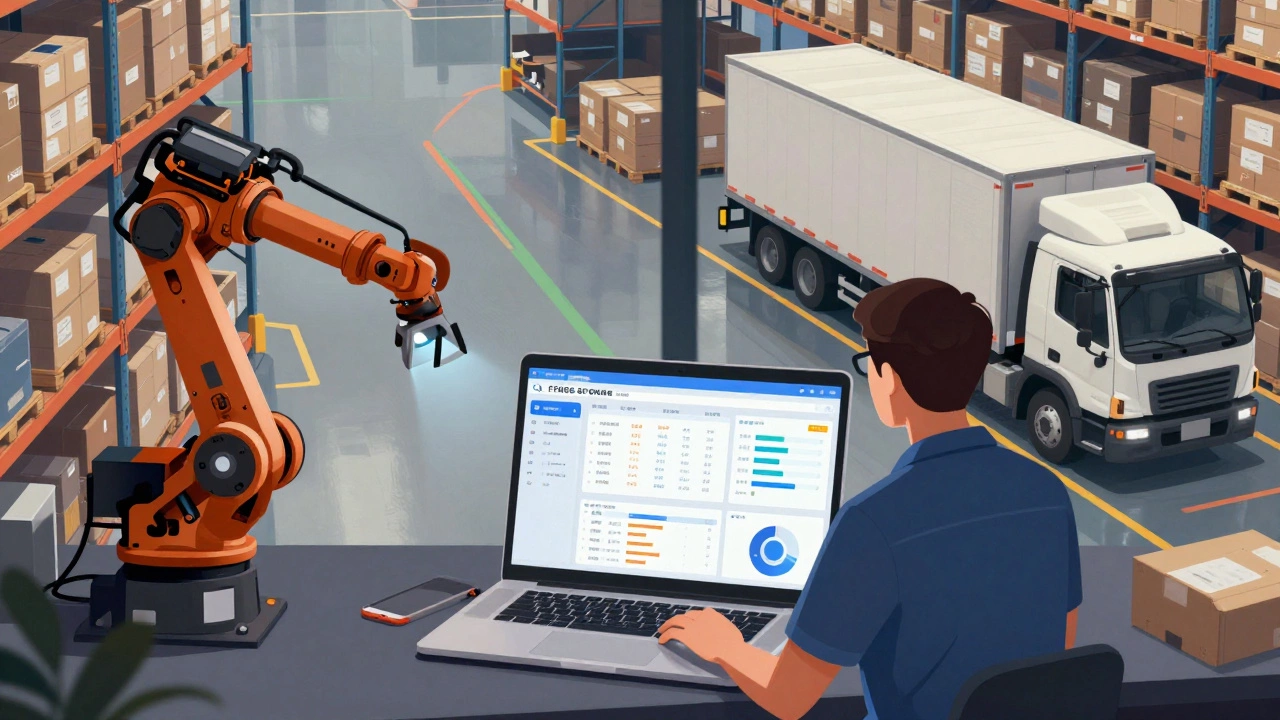
You’ve probably seen videos of robots zipping through warehouses. Those aren’t just for show. Automated Guided Vehicles (AGVs) and robotic arms are controlled by specialized software that integrates with the WMS. This software tells each robot: "Go to Aisle 3, pick up 3 cases of detergent, deliver to Station 7, then recharge."
Companies like Amazon use Kiva robots to move entire shelves to human workers, cutting walking time by 85%. Smaller warehouses are now using affordable options like Locus Robotics or 6 River Systems. These systems reduce labor costs by 30-40% and can operate 24/7. The software doesn’t just move robots-it learns. Over time, it predicts peak hours and pre-positions inventory to avoid bottlenecks.
Barcode and RFID Systems
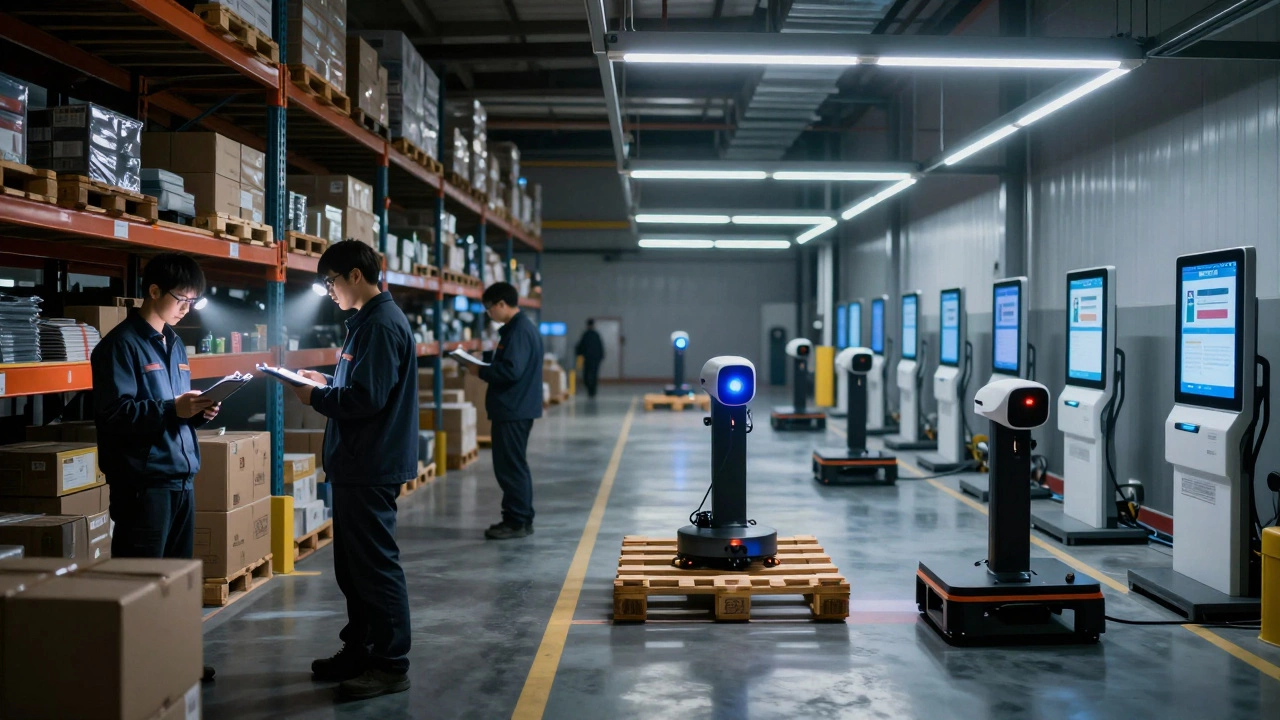
Barcode scanners and RFID tags are the eyes of the warehouse. Every item gets a unique identifier. Barcodes require line-of-sight scanning, but RFID tags can be read from a distance, even inside boxes. This means you can scan 50 items in seconds without touching them.
RFID is becoming standard in high-value or fast-moving inventory. A medical supply warehouse in Texas reduced mispicks by 92% after switching from barcodes to RFID. The software behind these systems doesn’t just record scans-it flags anomalies. If a box labeled "iPhone 15" is scanned in the "laptop" zone, the system alerts staff immediately. It’s a built-in error-checking layer.
Integration with ERP and Ecommerce Platforms
A warehouse doesn’t work alone. It needs to talk to your sales system, accounting software, and online store. That’s where integration comes in. A WMS connected to an ERP like SAP or Microsoft Dynamics can automatically update inventory levels across all sales channels. If you sell on Amazon, Shopify, and your own website, the system ensures you never oversell.
For example, if you have 10 units left and someone buys one on Shopify, the system instantly reduces the count on Amazon and your website. Without this, you risk angry customers and costly cancellations. Platforms like TradeGecko (now QuickBooks Commerce) and NetSuite specialize in this kind of cross-channel sync. A 2025 survey of 300 mid-sized warehouses found that those with integrated ERP-WMS systems had 40% fewer order fulfillment delays.
Analytics and Reporting Tools
What gets measured gets improved. Modern warehouse software includes built-in dashboards that show you KPIs in real time: picking accuracy, cycle time, labor productivity, stock turnover. You don’t need to run manual reports. The system does it for you.
One warehouse in Michigan noticed its labor cost per order was rising. The analytics tool showed that pickers were spending 18 minutes walking between zones. They reorganized storage based on the data-and cut walk time to 7 minutes. Tools like Logiwa, Skyware, or even Power BI connected to your WMS give you this level of insight. Without analytics, you’re flying blind.
Cloud-Based vs. On-Premise Solutions
Not all warehouse software is the same. Some systems run on your own servers (on-premise). Others live in the cloud. Cloud-based solutions like Oracle Cloud WMS or Infor CloudSuite are growing fast because they’re cheaper to set up, update automatically, and can be accessed from anywhere.
On-premise systems give you more control but cost more upfront and need IT staff to maintain. Most new warehouses choose cloud. A 2025 Gartner report found that 78% of warehouses under 50,000 sq. ft. now use cloud-based WMS. The biggest benefit? No more waiting months for software updates. Changes happen overnight.
What Happens If You Don’t Use Warehouse Software?
Let’s be clear: if you’re not using warehouse software, you’re already losing money. Here’s what happens:
- Lost inventory: 5-15% of stock goes missing each year without tracking systems.
- Delayed shipments: Manual processes add 2-4 hours per order.
- Overstocking: You buy too much of slow-moving items because you can’t see real-time demand.
- Employee frustration: Workers spend hours searching for items instead of doing real work.
- Customer complaints: Wrong items shipped, late deliveries, and poor communication.
A small e-commerce warehouse in Texas lost $210,000 in a single year due to mispicks and stockouts. After installing a cloud WMS, they recovered 90% of that loss in 8 months.
Choosing the Right Software for Your Warehouse
Not every system works for every warehouse. Here’s what to consider:
- Size: Under 10,000 sq. ft.? Look for affordable cloud WMS like Sortly or Unleashed. Over 50,000 sq. ft.? Consider SAP or Oracle.
- Industry: Food? You need expiration tracking. Pharmaceuticals? Compliance features matter. Electronics? Serial number tracking.
- Integration: Does it connect to your ERP, ecommerce, and shipping tools?
- Scalability: Will it handle 2x your current volume next year?
- Support: Can you get help when something breaks? Look for vendors with 24/7 support.
Start small. Test one system with a single warehouse zone. Measure the results. Then expand.
Do I need all these software systems at once?
No. Most warehouses start with a Warehouse Management System (WMS) and add tools as needed. Inventory tracking and barcode scanners are usually the next step. Automated robots and TMS come later, once you’re handling over 1,000 orders a day. Don’t overbuy-start with what’s causing the biggest pain.
Can I use Excel instead of warehouse software?
You can, but you shouldn’t. Excel can’t handle real-time updates, doesn’t connect to scanners or robots, and crashes under heavy use. One warehouse manager told us they spent 14 hours a week fixing Excel errors. After switching to a WMS, that dropped to 20 minutes. Excel is a notebook. Warehouse software is a control center.
How much does warehouse software cost?
Costs vary widely. Cloud-based WMS starts at $500/month for small operations. Mid-sized warehouses pay $2,000-$5,000/month. Enterprise systems like SAP can cost over $100,000/year. But the ROI is clear: most companies recover their investment in 6-12 months through reduced labor, fewer errors, and faster shipping.
Is warehouse software only for big companies?
Absolutely not. Even small warehouses with 5 employees benefit. Tools like Sortly, Zoho Inventory, and TradeGecko are designed for teams under 10 people. They’re easy to set up, require no IT staff, and start at under $100/month. The myth that you need a big budget to automate is outdated.
What’s the biggest mistake people make when choosing warehouse software?
Choosing based on features alone. Many buy software because it has 50 tools, but only use 5 of them. The right system is the one that solves your top three problems: slow picking? Overstock? Shipping delays? Pick a tool that excels at those, not one that tries to do everything. Simplicity beats complexity every time.