Warehouse Software Selector
What is your biggest current bottleneck?
Select the statement that best describes your primary challenge
"Where is my stuff?"
I struggle to keep track of stock levels and quantities across locations.
"How do I get stuff out faster?"
My staff spends too much time walking; picking is slow and chaotic.
"My departments aren't talking!"
Sales, accounting, and warehouse data are disconnected and inconsistent.
Recommended: IMS
Inventory Management SystemYou need a digital ledger to manage the what and where. An IMS is ideal for small e-commerce or retail shops focusing on stock counting and reorder points.
Recommended: WMS
Warehouse Management SystemYou need a "digital brain" to manage the how. A WMS optimizes picking paths (wave/zone picking) and manages the physical movement of goods and labor.
Recommended: ERP
Enterprise Resource PlanningYou need a generalist to connect the warehouse to the rest of the business. An ERP handles payroll, accounting, and CRM in one centralized hub.
Key Takeaways for Choosing Warehouse Software
- WMS: Best for deep, operational control of a specific warehouse (picking, packing, putting away).
- ERP: Best for connecting the warehouse to the rest of the business (accounting, HR, sales).
- IMS: Best for simple stock counting and knowing what you have across multiple locations.
- Automation: Modern systems now integrate with robotics and IoT for real-time accuracy.
The Big One: Warehouse Management System (WMS)
When people ask what warehouse software is called, they are almost always talking about a WMS. This is a specialized application designed to control every single movement within the four walls of your facility. Think of it as the air traffic controller for your boxes. It doesn't just tell you that you have 500 units of a product; it tells you exactly which bin they are in, which aisle the picker should walk down, and which shipping dock the pallet needs to land on.
A WMS focuses on the how of the operation. It manages Labor Management, ensuring your staff isn't walking unnecessary miles across the floor. It handles "wave picking," where the system groups orders together to minimize travel time. For instance, instead of picking one order at a time, a WMS tells a worker to grab ten different items for ten different customers in one single trip. This kind of optimization can slash your fulfillment time by 30% or more, which is a huge deal when you're racing against a 2-day shipping promise.
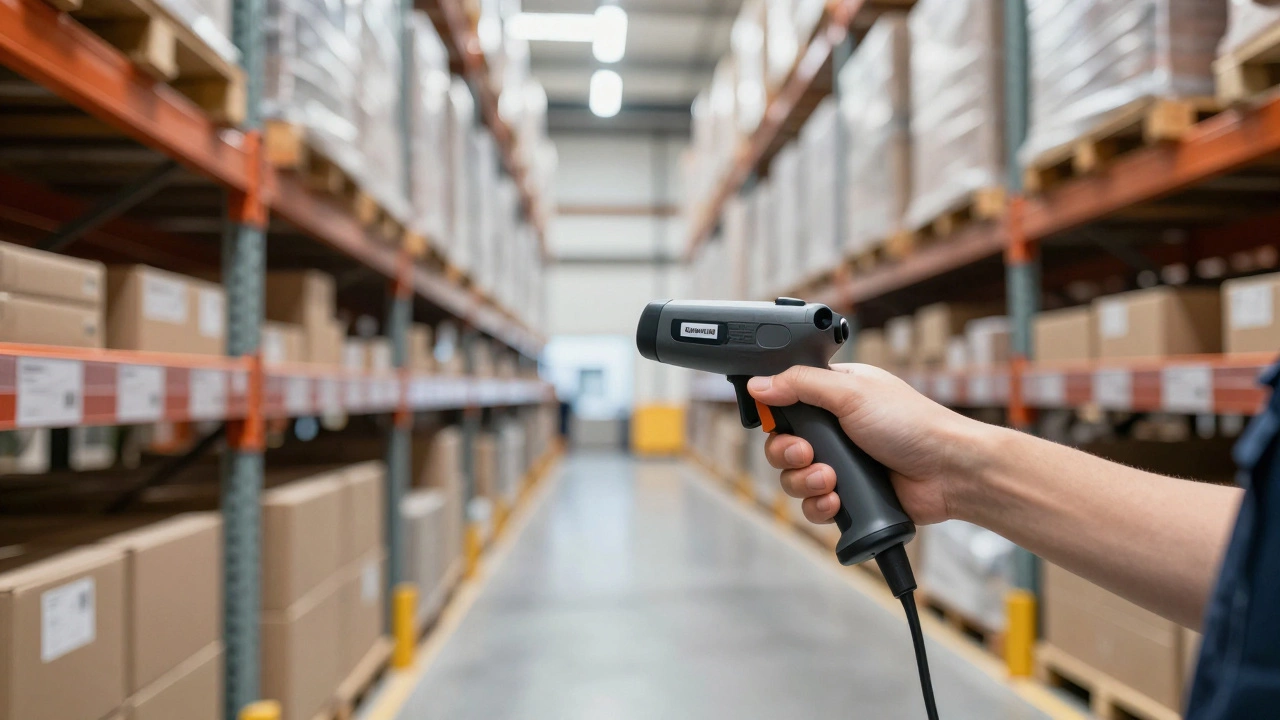
Most modern WMS platforms rely on Barcode Scanning and RFID technology. Instead of a worker writing a SKU on a piece of paper, they scan a label, and the system instantly updates the database. This removes the human error factor-no more "misplaced" pallets that take three days to find.
The All-Rounder: Enterprise Resource Planning (ERP)
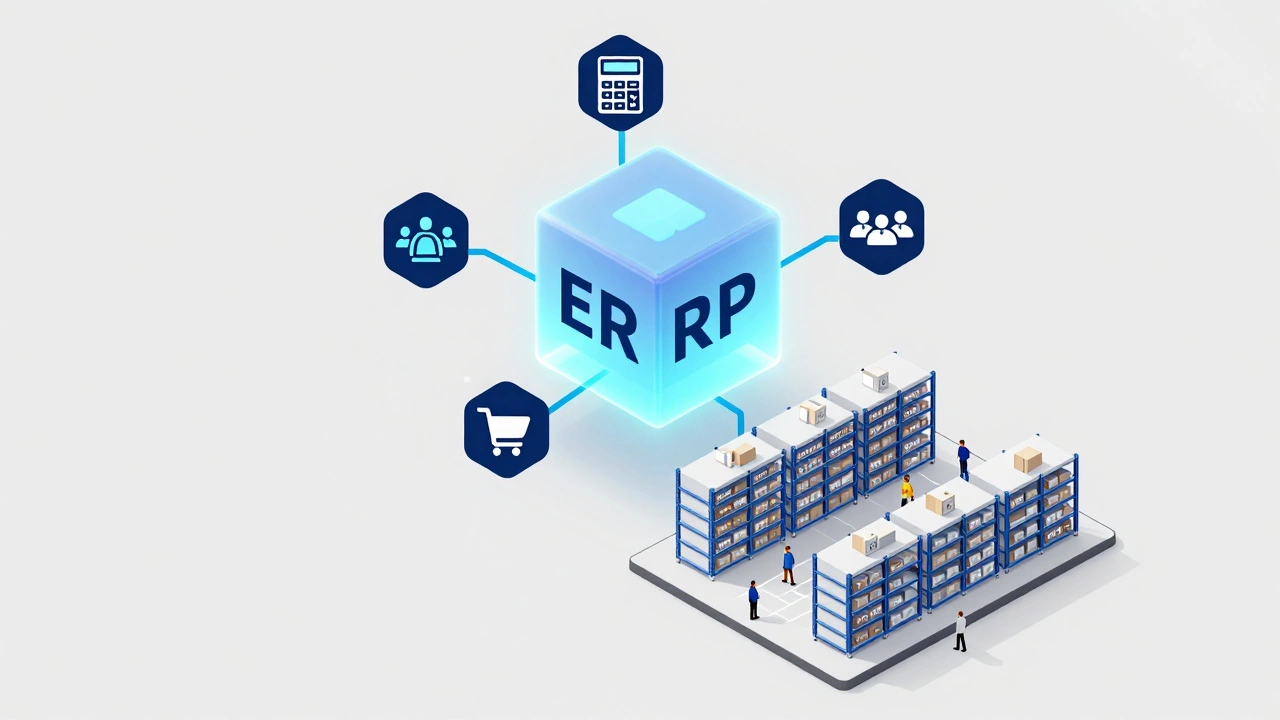
Now, you might hear your accountant talk about an ERP. An Enterprise Resource Planning system is a much larger beast. While a WMS is a specialist, an ERP is a generalist. It handles everything: payroll, customer relationship management (CRM), financial accounting, and yes, some level of inventory. Many small businesses start here because they don't want five different software subscriptions; they want one place where everything lives.
The trade-off is depth. An ERP might tell you that you're low on stock and trigger a purchase order to your supplier, but it often lacks the granular detail of a WMS. It might know you have 1,000 widgets in the warehouse, but it won't tell you that 200 are in the "damaged" zone and 800 are on the third shelf of Row J. If your business grows to the point where you have 50 employees on the floor, an ERP's basic inventory module will start to feel like using a calculator to do advanced calculus-it's just not the right tool for the job.
Many growing companies use a "Best-of-Breed" strategy. They keep their ERP for the high-level business data and integrate it with a dedicated WMS for the actual floor work. The two systems talk to each other via APIs, so when a sale happens in the ERP, the WMS automatically creates a pick ticket for the warehouse team.
The Specialist: Inventory Management Software (IMS)
If you're running a small Shopify store from a garage or a small retail shop, a full-blown WMS is overkill. In this case, you're looking for Inventory Management Software (IMS). An IMS is primarily focused on the what and where. It tracks stock levels, manages reorder points, and helps you avoid the nightmare of overselling a product you don't actually have in stock.
The main difference here is that an IMS doesn't typically manage the physical movement of people. It won't give you a optimized picking path or manage dock scheduling. It's essentially a digital ledger. It's great for keeping track of stock across three different Shopify stores or a few retail locations, but it won't help you manage a fleet of forklifts or optimize your bin slots for faster access to high-velocity items.
| Feature | WMS | ERP | IMS |
|---|---|---|---|
| Core Focus | Execution & Movement | Business Integration | Stock Levels |
| Picking Optimization | Advanced (Wave/Zone) | Basic or None | None |
| Accounting/Payroll | No | Yes (Primary) | Limited |
| Real-time Bin Tracking | Yes | Partial | Basic |
| Ideal User | High-volume 3PL/Distributors | Mid-to-Large Corporations | Small E-commerce/Retail |
Advanced Tech: Beyond the Basics
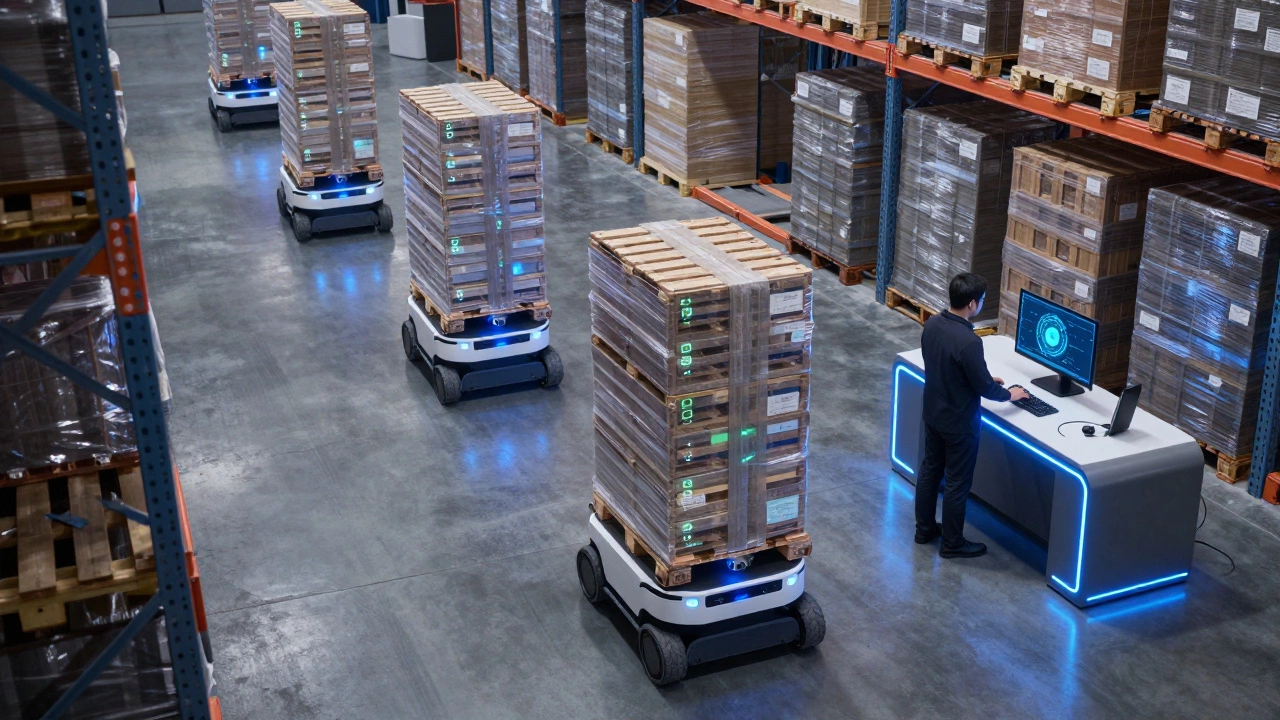
As we move further into 2026, the line between these systems is blurring thanks to Warehouse Automation. We're seeing a rise in "Smart Warehousing," where the software doesn't just track a human worker, but manages a fleet of Autonomous Mobile Robots (AMRs). These robots use the WMS data to bring the shelves to the worker, a process known as "Goods-to-Person" fulfillment.
We're also seeing the integration of IoT (Internet of Things) sensors. Imagine a warehouse where the software knows a pallet is leaning or a temperature-sensitive medicine is getting too warm because the pallet itself is sending a signal to the WMS. This level of visibility prevents waste and keeps insurance premiums lower because you have a digital paper trail for every single item.
Another critical piece of the puzzle is the Order Management System (OMS). While the WMS manages the physical warehouse, the OMS manages the customer's journey from the moment they click "Buy" to the moment the package leaves the dock. It decides which warehouse should ship the order based on the customer's zip code and current stock levels. If you have warehouses in Toronto and Vancouver, the OMS ensures the Toronto customer doesn't get their package from the West Coast, saving you a fortune in shipping costs.
How to Decide Which One You Actually Need
Choosing the wrong software is an expensive mistake. If you buy an ERP thinking it will fix your picking errors, you'll find out the hard way that it doesn't have the tools to guide your workers. If you buy a high-end WMS for a tiny operation, you'll spend more time managing the software than you do shipping orders.
Ask yourself these three questions to find your path:
- Is my biggest problem "Where is my stuff?" If yes, start with an IMS. You just need a better ledger.
- Is my biggest problem "How do I get the stuff out faster?" If your staff is spending half their day walking back and forth, you need a WMS. You need operational efficiency, not just a list of stock.
- Is my biggest problem "My departments aren't talking to each other?" If sales is promising products that production hasn't made yet, and accounting is confused about costs, you need an ERP.
A pro tip for those scaling quickly: look for "API-first" software. This means the software is built to play well with others. You might start with a simple IMS, but if you choose one with a great API, you can easily plug it into a more robust WMS or ERP later without having to manually migrate thousands of rows of data in a spreadsheet.
Common Pitfalls to Avoid During Implementation
The software is only as good as the data you put into it. A common mistake is "Garbage In, Garbage Out." If your warehouse is currently a mess and you simply install a WMS on top of it, you've just digitized your chaos. You have to physically organize your bins, label your aisles, and perform a full wall-to-wall physical count before the software can actually help you.
Another trap is ignoring the user experience for the people on the floor. If the interface is clunky or requires ten clicks to confirm a pick, your workers will find a way to bypass the system. They'll go back to using paper notes or "remembering" where things are. This creates a gap between what the software says and what is actually on the shelf, rendering the expensive system useless.
Finally, don't overlook the hardware. A WMS is useless if your Wi-Fi has dead zones in the back corner of the warehouse. Before you sign a contract, walk the floor with a signal tester. There is nothing more frustrating for a picker than having their handheld device freeze right as they're scanning a high-value item.
What is the main difference between WMS and IMS?
An Inventory Management System (IMS) primarily tracks the quantity and location of stock (the "what" and "where"). A Warehouse Management System (WMS) controls the operational processes, such as the optimized path for picking, labor tracking, and dock management (the "how"). Essentially, IMS is about counting, while WMS is about moving.
Can an ERP replace a WMS?
For small to mid-sized operations, yes. Most ERPs have an inventory module that handles stock levels and basic orders. However, for high-volume warehouses, an ERP usually lacks the granular features-like wave picking or real-time bin optimization-that a dedicated WMS provides. Most large companies use both, integrating the WMS into the ERP.
Do I need expensive hardware to run warehouse software?
Not necessarily. Many modern WMS and IMS platforms are cloud-based and can run on standard tablets or smartphones. However, for high efficiency, industrial-grade barcode scanners and RFID readers are recommended because they are more durable and scan faster than a standard phone camera.
What is a 3PL and do they use different software?
A 3PL (Third-Party Logistics) provider is a company that manages warehousing and shipping for other businesses. They use high-end WMS platforms, but their software often includes "multi-tenant" capabilities, allowing them to track stock and bill multiple different clients separately within the same system.
How long does it take to implement a WMS?
Depending on the size of your warehouse, implementation can take anywhere from a few weeks (for cloud IMS) to six months or more (for a custom enterprise WMS). The software installation is fast, but the physical organization of the warehouse and training the staff usually takes the most time.
Next Steps and Troubleshooting
If you're feeling overwhelmed, start by mapping out your "Order Flow." Draw a line from the moment a customer orders a product to the moment the driver pulls away from your dock. Every time a person has to stop to ask a question or look for a piece of paper, mark that as a friction point. If you have more than five friction points per order, it's time to move from a spreadsheet to an IMS or WMS.
For those already using software but still facing errors, check your "Cycle Counting" process. Instead of doing one massive inventory count per year, count a small section of your warehouse every day. If the software says you have 10 items but you only find 8, you can find the root cause of the error immediately rather than waiting until the end of the year.