Logistics Software: The Basics You Need to Know
Ever wondered why some companies seem to ship faster, keep shelves full, and never lose track of a single box? The secret is usually good logistics software. It’s the digital hub that tells trucks where to go, tells warehouses what stock they have, and keeps customers in the loop. In this guide we’ll break down what it does, why you should care, and how to pick a system that fits your budget and needs.
Key Functions of Logistics Software
First off, logistics software isn’t one monolithic product. Most solutions bundle a few core modules:
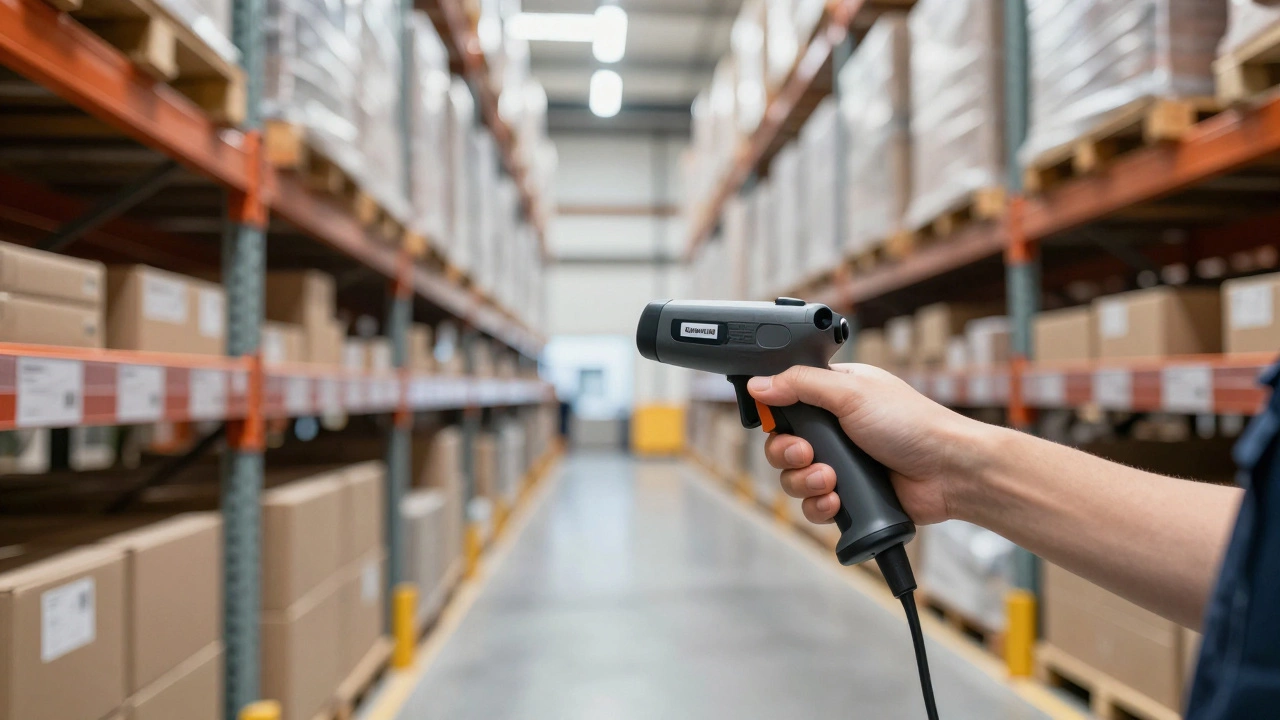
- Warehouse Management (WMS): Controls inbound and outbound moves, tells pickers which items to grab, and updates inventory in real time.
- Transportation Management (TMS): Plans routes, books carriers, and calculates the cheapest way to move goods.
- Order Management: Connects sales channels to the warehouse so an online order instantly appears on the pick list.
- Analytics & Reporting: Shows where delays happen, how much each shipment costs, and where you can cut waste.
When all these pieces talk to each other, you get a smooth flow from supplier to customer. If any part is missing, you’ll see gaps – like delayed shipments or out‑of‑stock alerts that arrive too late.
How to Pick the Right Solution
Choosing a system can feel overwhelming, but focus on three practical things:
- Fit for your size: Small shops often get away with cloud‑based tools that charge per user. Bigger firms may need on‑premise software that handles thousands of SKUs.
- Ease of integration: Your e‑commerce platform, accounting software, and carrier accounts should plug in without custom code. Ask for API docs before you sign.
- Total cost of ownership: Look beyond the headline price. Include setup fees, training, and future upgrades. A low‑cost tool that requires a lot of manual work can end up costing more.
Ask vendors for a short demo that mirrors a real order from start to finish. Watch how quickly a user can create a pick list, assign a carrier, and send a tracking email. If the UI feels clunky, your team will resist using it.
Another tip: start with the biggest pain point. If you lose money on shipping, pick a TMS first. If inventory accuracy is the issue, go for a WMS. Many providers let you add modules later, so you don’t have to buy everything at once.
Don’t forget the human side. Good training materials and responsive support can shave days off your rollout. Check reviews for common complaints – like hidden fees or missing features – before you commit.
Finally, measure success after you go live. Track metrics like order‑to‑delivery time, cost per mile, and inventory accuracy. If you see improvement within a month, you’ve likely made the right choice.
Logistics software isn’t a magic wand, but it does turn chaos into a predictable process. By understanding the core functions, matching the tool to your scale, and keeping an eye on real‑world results, you’ll boost speed, cut costs, and keep customers happy. Ready to start? Take the first step by listing your top three logistics headaches and comparing software that solves each one.